Orion
Digital Twin Content Agency — autonomous AI agents that detect trends, generate content, and publish across social platforms.
Orion combines a high-performance Go API gateway with Python FastAPI microservices, LangGraph orchestration, and a Next.js admin dashboard to create a fully automated content production pipeline.
Getting Started API Reference CLI Reference Guides & Tutorials
Platform Architecture
Orion is a distributed system of nine components communicating through a central Redis event bus. External trend data flows in through Scout, gets orchestrated by Director via LangGraph, rendered by Media and Editor, and published by Publisher — all coordinated through event-driven pub/sub.
graph TB
    subgraph External["External Sources"]
        RSS[":material-rss: RSS Feeds"]
        GT["Google Trends"]
        TW["Twitter/X API"]
    end

    subgraph Gateway["Go Gateway :8000"]
        GW["Chi Router + JWT Auth"]
        WS["WebSocket Hub"]
        RL["Rate Limiter"]
    end

    subgraph Services["Python FastAPI Services"]
        SC["Scout :8001\nTrend Detection"]
        DR["Director :8002\nPipeline Orchestration"]
        MD["Media :8003\nImage Generation"]
        ED["Editor :8004\nVideo Rendering"]
        PL["Pulse :8005\nAnalytics"]
        PB["Publisher :8006\nSocial Publishing"]
        ID["Identity :8007\nUser Management"]
    end

    subgraph AI["AI Infrastructure"]
        OL["Ollama\nLLM Inference"]
        CU["ComfyUI\nImage Generation"]
        LG["LangGraph\nPipeline State"]
    end

    subgraph Data["Data Layer"]
        PG[("PostgreSQL 17")]
        RD[("Redis 7.4")]
        MV[("Milvus 2.4")]
    end

    subgraph Frontend["Frontend"]
        DB["Next.js Dashboard :3001"]
        CLI["Python CLI"]
    end

    RSS --> SC
    GT --> SC
    TW --> SC

    CLI --> GW
    DB --> GW
    GW --> SC & DR & MD & ED & PL & PB & ID
    WS --> RD

    SC -->|"orion.trend.detected"| RD
    RD -->|"event"| DR
    DR -->|"orion.content.created"| RD
    RD -->|"event"| MD
    MD -->|"orion.media.generated"| RD
    RD -->|"event"| ED

    DR --> OL
    DR --> LG
    DR --> MV
    MD --> CU
    ED --> OL

    SC & DR & MD & ED & PL & PB & ID --> PG
    SC & DR & MD & ED & PL & PB --> RD
Services Overview
Gateway
Go HTTP gateway on port 8000. Routes all external requests to Python services, handles JWT authentication, rate limiting with Redis-backed sliding windows, and WebSocket connections for real-time event streaming.
Scout
Trend detection service on port 8001. Polls RSS feeds, Google Trends, and Twitter/X for emerging topics. Scores trends by velocity and relevance, deduplicates across sources, and publishes orion.trend.detected events to kick off content pipelines.
Director
Pipeline orchestration on port 8002. Uses LangGraph to coordinate the full content creation lifecycle — from strategy generation through script writing — with human-in-the-loop approval gates and Milvus vector memory for context retrieval.
Media
Image generation on port 8003. Interfaces with ComfyUI (local) and Fal.ai (cloud) for text-to-image generation using the Strategy pattern for automatic provider fallback. Generates thumbnails, scene images, and social media assets.
Editor
Video rendering on port 8004. Generates TTS audio via Ollama or cloud providers, transcribes captions, stitches video from generated images, and burns subtitles. Produces short-form video content ready for publishing.
Pulse
Analytics engine on port 8005. Aggregates events from all services, tracks content performance metrics, monitors AI provider costs and latency, and maintains a complete history of every pipeline run.
Publisher
Social publishing on port 8006. Manages OAuth connections to social platforms and publishes approved content to Twitter/X, YouTube, TikTok, and Instagram with platform-specific formatting and scheduling.
Identity
User management service on port 8007. Handles user CRUD, OAuth account linking (GitHub/Google), refresh token rotation with family-based theft detection, password resets, and email verification.
Dashboard
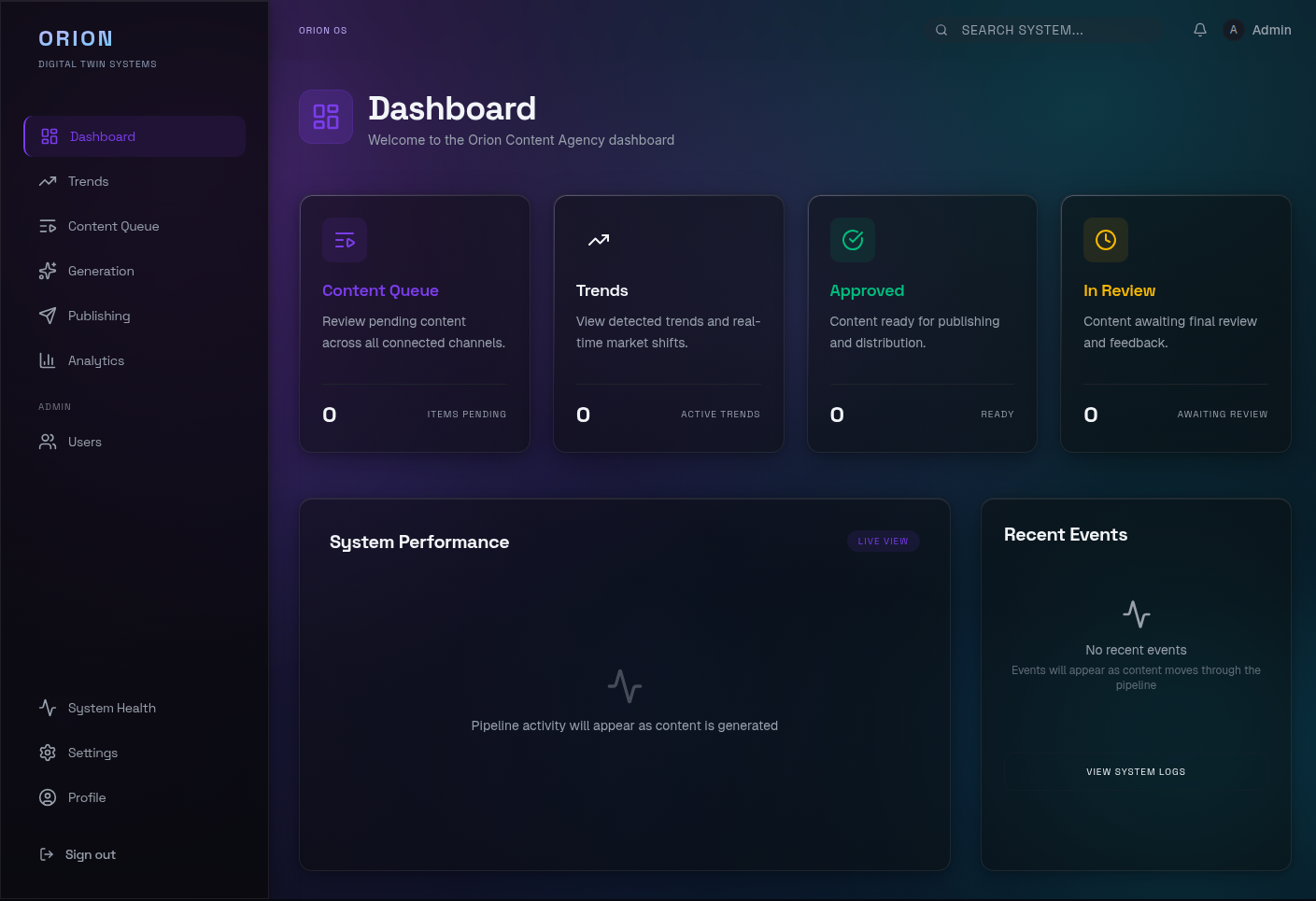
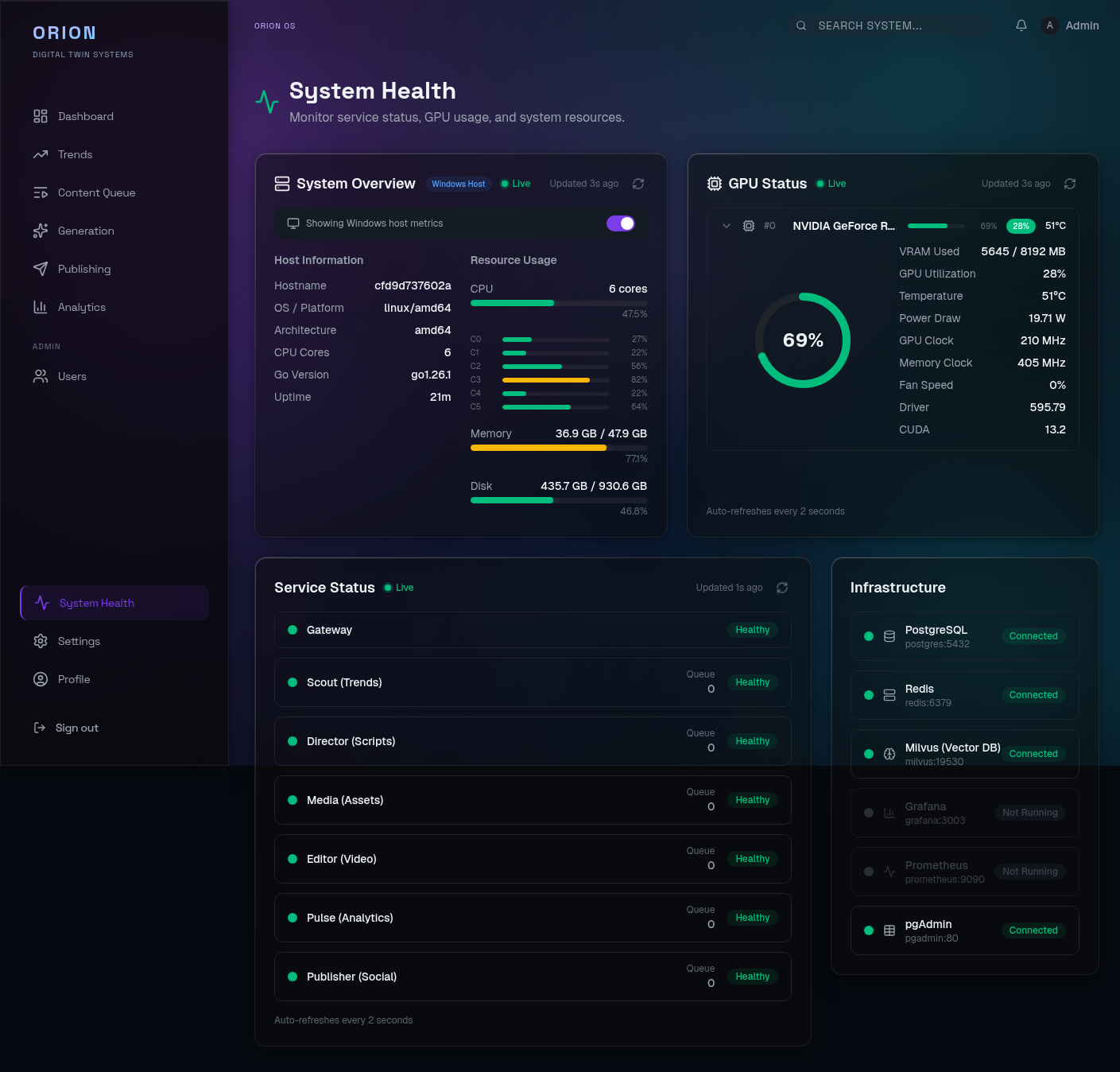
Next.js 15 admin dashboard on port 3001. Built with React 19 Server Components, Tailwind CSS 4, and Recharts. Provides real-time pipeline monitoring, content approval workflows, trend visualization, and system administration.
Guides & Tutorials
Visual walkthroughs with screenshots for every part of the platform.
-
Dashboard Tour
Complete visual walkthrough of every dashboard page with screenshots.
-
Demo Mode
Explore the dashboard instantly using demo data — no backend needed.
-
Full Pipeline Demo
Run the complete content pipeline from trend detection to publishing.
-
CLI Quickstart
Authenticate, trigger scans, manage content, and publish from the CLI.
Tech Stack
| Layer | Technology | Version |
|---|---|---|
| Gateway | Go | 1.24 |
| Router | Chi | 5.x |
| CLI | Python + Typer | 3.13 / 0.15.x |
| AI Services | Python + FastAPI | 3.13 / 0.115.x |
| Validation | Pydantic | 2.10.x |
| ORM | SQLAlchemy | 2.0.x |
| Orchestration | LangGraph | latest |
| Dashboard | Next.js + React | 15.2 / 19.x |
| Styling | Tailwind CSS | 4.0.x |
| Database | PostgreSQL | 17 |
| Cache / MQ | Redis | 7.4 |
| Vector DB | Milvus | 2.4 |
| LLM Inference | Ollama | latest |
| Image Gen | ComfyUI | latest |
Quick Commands
Build and run
# Build the Go gateway binary
make build

# Run the gateway locally (port 8000)
make run

# Start all services with Docker Compose
docker compose -f deploy/docker-compose.yml up -d

# Start in development mode with hot reload
docker compose -f deploy/docker-compose.yml -f deploy/docker-compose.dev.yml up

# Start with GPU services (Ollama + ComfyUI)
docker compose -f deploy/docker-compose.yml --profile full up -d
Test and lint
# Run all tests (Go + Python + CLI + Dashboard)
make test-all

# Run all Go tests
make test

# Run Go linter
make lint

# Run Python tests for a specific service
cd services/scout && uv run pytest

# Run dashboard tests
cd dashboard && npm test

# Run all linters
make check
CLI usage
The CLI is a Python/Typer tool. Install via cd cli && uv sync.
# Authenticate with the gateway
orion auth login

# Check system health
orion system health

# Show system status (mode, GPU, queue depth)
orion system status

# Trigger a trend scan
orion scout trigger

# List detected trends
orion scout list-trends

# List content items
orion content list

# Approve content for publishing
orion content approve <content-id>

# Run CLI tests and linting
make cli-test
make cli-lint
Dashboard Preview
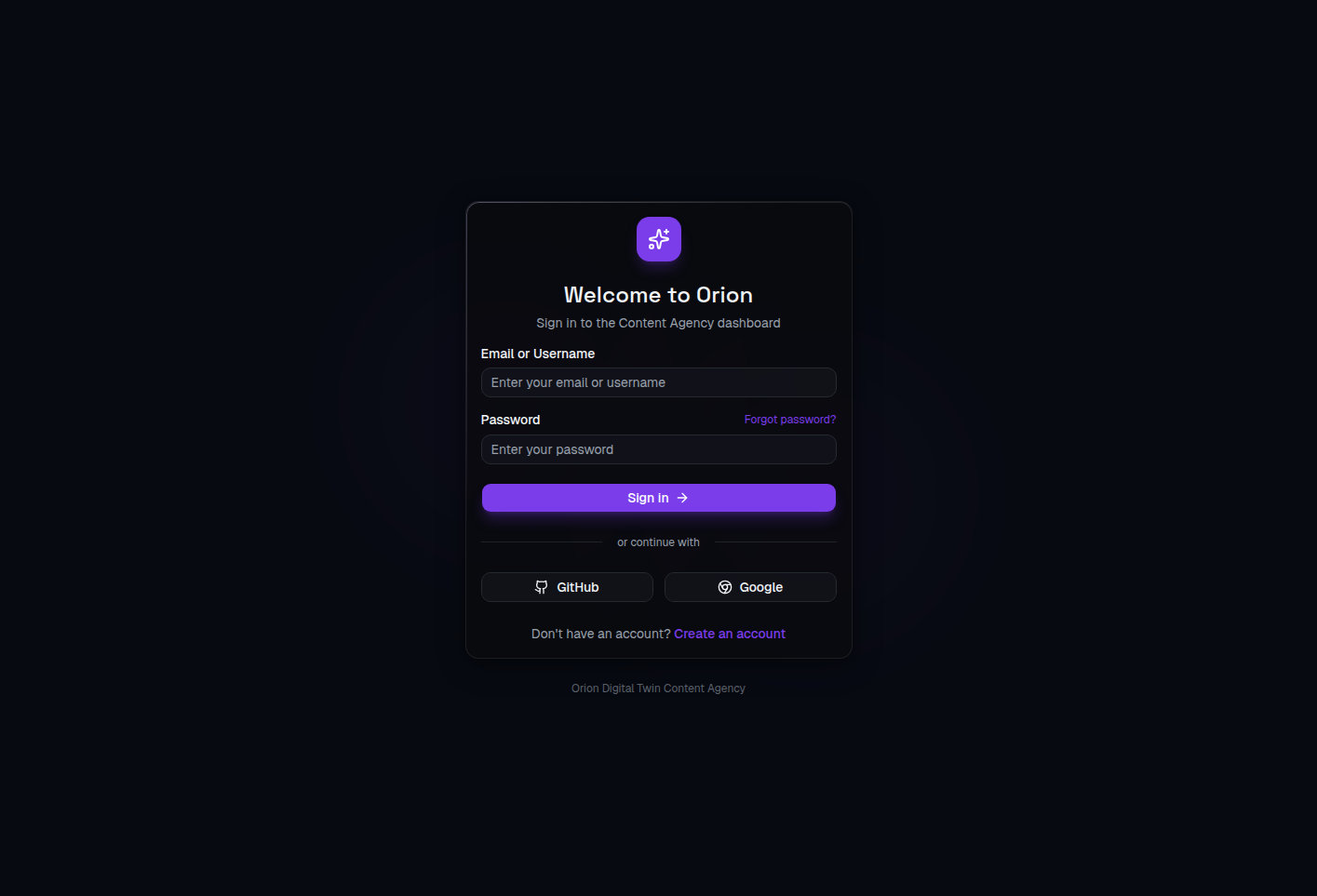
The Orion dashboard provides a glassmorphism-styled admin interface for managing the entire content pipeline.
See the Dashboard Tour for a complete walkthrough of every page.
Quick Links
- Installation — Set up the full development environment
- Quickstart — Run Orion and trigger your first pipeline in 5 minutes
- API Reference — Full REST endpoint documentation
- Docker Deployment — Container orchestration and production setup
- LangGraph Pipeline — Content creation graph with HITL gates
- Configuration — Environment variables and service settings
- Monitoring — Prometheus, Grafana, and alerting
- Guides & Tutorials — Visual walkthroughs with screenshots
- Dashboard Tour — See every page of the admin dashboard